
For law firms, lawyers & legal staff
Legal certainty for lawyer and team
Legally sound text extraction from email attachments and case files.
Clients send photos instead of PDFs – when § and amounts matter, nothing must slip.
Images and PDFs are converted fully automatically into searchable PDFs or editable Word documents. Dual OCR and Legal Refiner recognise paragraphs, amounts and check digits reliably; The Lens shows every uncertain spot against the original – you review only where it matters and deliver clean drafts.
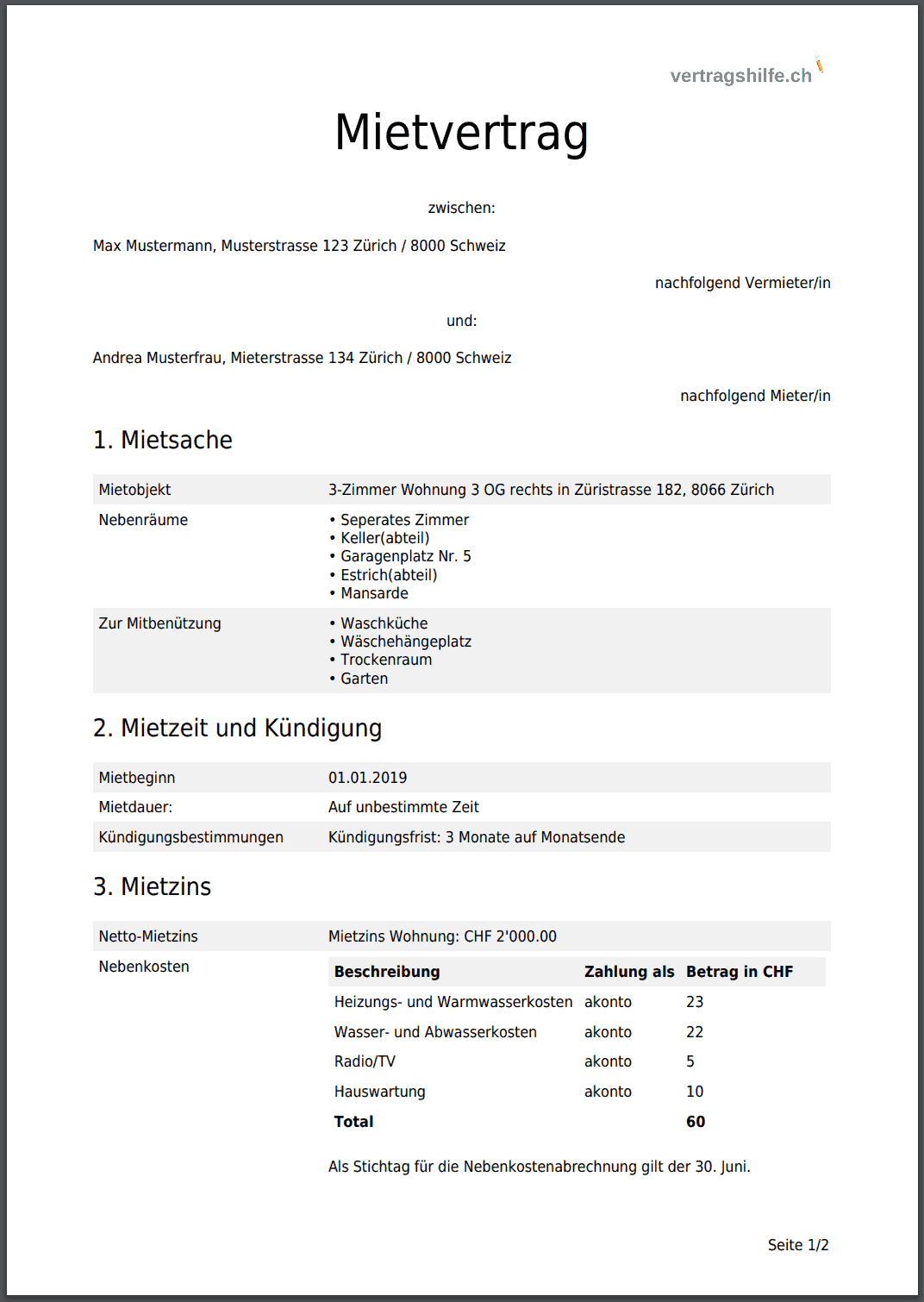
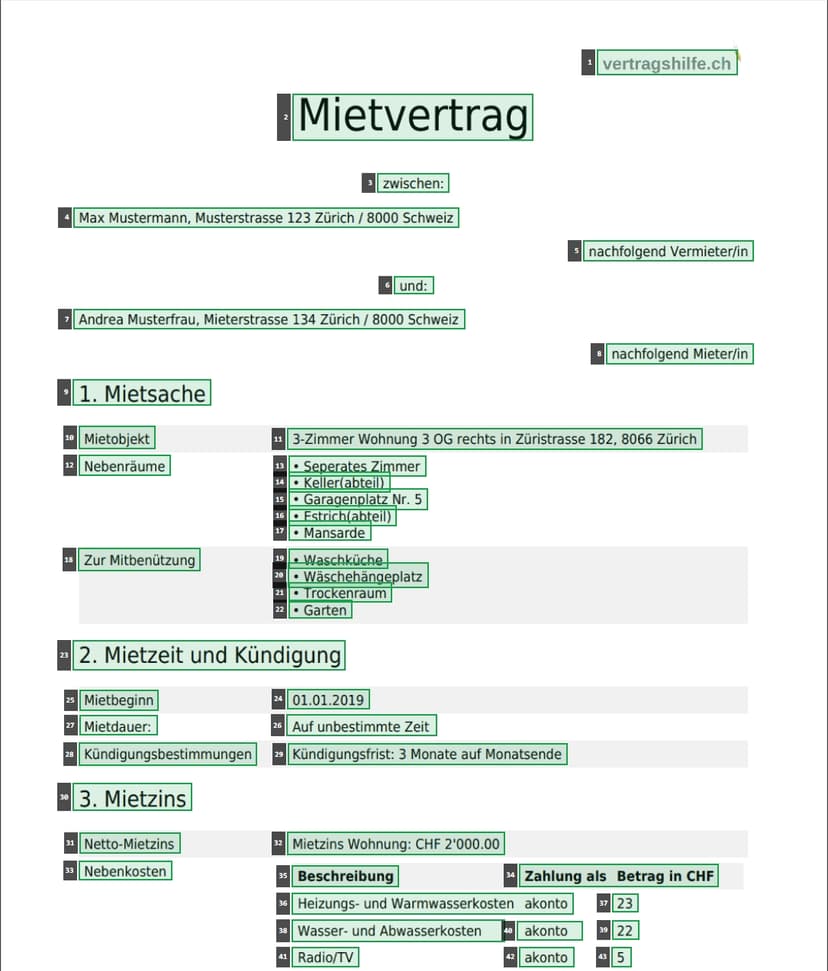
Before: phone photo of a contract. After: formatted Word with § 432 highlighted in yellow.
Law firms trust Lexlogik – in DE, IT & EE
14 Tage
Maximum efficiency for the office, 100% certainty for the lawyer.
Ideal for contracts, judgments, expert reports and client correspondence.
Start now – all features unlocked.
- Easy to use
- Ready to use immediately
- All features unlocked
- No credit card required
Straight to the point
Standard OCR is a liability risk. Lexlogik is risk reduction – with The Lens you see at a glance where to double-check. You deliver drafts where you know: this has been checked, this is marked for review.
Not just another PDF tool
Why Lexlogik?
Benefits for lawyer and office: trust instead of blind faith. When § 432 suddenly becomes § 482, the lawyer is liable – with Lexlogik you know where the AI was uncertain and can check against the original with one click. Less correction work, clear review spots.
Depth over breadth
Two OCR engines (Surya + Tesseract) plus voting. For § 432 BGB, amounts and IDs the refiner decides, not chance.
Transparency over blind trust
The Lens: click on a word → original snippet. You see immediately where the AI was uncertain.
Legal refiner
Footnotes, Art., No., check digits (e.g. IBAN), legal terms. Multilingual: DE, IT, EE.
LexLogik vs. standard OCR
Why we're better.
| Standard tools | LexLogik |
|---|---|
| Single OCR engine | Dual OCR (Surya + Tesseract) with voting |
| Hidden typos | Uncertain spots highlighted in yellow |
| Blind trust required | The Lens for original verification |
| Data protection often unclear | 100% BRAO & GDPR compliant |
This is what your export looks like
The purchase price is § 432 BGB …
In three steps
How Lexlogik works
Upload image or PDF – get searchable PDF or editable Word automatically, with highlighted review spots.
Upload
PNG, JPG or PDF – single or batch.
Dual OCR & refiner
Surya and Tesseract with voting. Legal terms, check digits, § and Art.
Export & The Lens
PDF with text layer or Word. Yellow highlight only where you need to review – targeted checking, no full read-through. Click on word → original.
AI text recognition for law
Trust is good. The Lens is better.
No blind faith: verify original words with one click.
The Lens: click on a word → original snippet. You see immediately where the AI was uncertain.
Click on word → original snippet from scan
Voices from practice
For lawyers and law-firm teams – content assured
In contracts and court rulings, § references and amounts must not slip. With Lexlogik I see at once where the AI was uncertain – and can verify directly against the scan. That’s risk reduction, not blind faith.
Standard OCR would be too risky for me on paragraphs and amounts. With The Lens I check uncertain cases against the original in seconds – no hours of proofreading.
We use Lexlogik for case files and client correspondence. The transparent marking of uncertain spots streamlines review and gives us the legal certainty we need.
I only check the yellow-highlighted spots now – that saves time and I can hand the lawyer clean drafts. The Lens is brilliant: one click, see the original, review done.
AI text recognition for law
Searchable PDFs – with precision
Dual engine (Surya + Tesseract), voting, legal refiner. The Lens shows per word where review makes sense.
- Dual OCR + voting – fewer errors in §, Art., numbers
- The Lens – click on word → original snippet
- PDF or Word with yellow highlight for review spots
The right export for every workflow
Word (.docx)
Word (.docx) for direct contract editing.
PDFs for the e-file (RA-MICRO).
Concrete use cases
Same pain points as in daily practice – with a focus on precision and legal certainty.
Contracts & due diligence
Skewed scans of contract copies into editable Word – yellow highlight only where you need to double-check. The Lens shows the original for any word.
Case files & expert reports
Make hundreds of pages of PDF searchable. § and amounts recognised precisely – uncertain spots highlighted in yellow, verifiable against the original.
Traffic law & client photos
Accident reports, expert-report photos, phone scans: searchable PDFs or Word with Legal Refiner. No retyping, no hidden errors in paragraphs or amounts.
Security & compliance
Bank-grade security for your client data
Uncompromising data protection – not just a footnote.
Zero-retention policy
We do not store documents after processing – unlike free online tools.
Learn moreAI text recognition for law
Built for legal documents
§, Art., No., footnotes, amounts, legal terms, check digits – multilingual (DE, IT, EE).
- Dual OCR + voting
- Legal terms, check digits (e.g. IBAN)
- “Flagged” spots highlighted
- PDF export: image + text
- Word export: yellow review spots
- Multilingual: DE, IT, EE
14-day trial, no commitment
Reliable document processing – no blind faith.
Try with no commitment, no credit card. For firms of any size.
Licenses from approx. €100/month. Individual consultation: info@lexlogik.com
- Easy to use
- Ready to use immediately
- All features unlocked
- No credit card required
Support
Frequently asked questions
More questions? info@lexlogik.com
- In contracts and court rulings, § and amounts often decide the case. If OCR turns § 432 BGB into "§ 482" or drops a zero in the amount in dispute, the lawyer is liable – and standard OCR does not show where it was uncertain. Lexlogik highlights uncertain spots in yellow and offers The Lens: one click on a word to see the original snippet from the scan. So you review where it matters instead of trusting blindly.
- Lexlogik is not an all-in-one PDF suite (e.g. for shrinking, merging or rotating). We focus on one thing: precise text recognition for legal documents. Two OCR engines (Surya + Tesseract) with voting and a legal refiner ensure that paragraphs, amounts and check digits are recognised reliably. In addition, "The Lens" shows where the AI was uncertain – you can check every word against the original image.
- Law firms, authorities and companies that have contracts, judgments, opinions or other legal documents as scans or photos and need searchable PDFs or editable Word documents from them – with high accuracy and clear marking of uncertain spots.
- Processing takes place on servers in Germany. Lexlogik is GDPR compliant and respects professional law requirements (e.g. confidentiality pursuant to § 43e BRAO). See our privacy policy for details.
- You can upload images (PNG, JPG) and PDFs – single or in batch. We deliver results as searchable PDF (image + text layer) or as Word (.docx) with yellow-highlighted review spots.
- The Lens is the feature in the Lexlogik app that lets you click on a recognised word and see the corresponding snippet from the original image. You can verify doubtful cases directly on the scan.
- Via the Lexlogik app (login or register). You can register there and upload documents after logging in.
- Professional licenses from approx. €100/month. Exact amount depends on number of users and use case. We’ll be happy to provide a non-binding quote – contact us at info@lexlogik.com.
- Yes. You can start a 14-day trial; no credit card required. All features are enabled. License details on request at info@lexlogik.com.
- Lexlogik can be used in line with confidentiality pursuant to § 43e BRAO. See our confidentiality page.
- License structure depends on your use case. For individual requests: info@lexlogik.com.
- Yes, Lexlogik is under continuous development. For feature requests: info@lexlogik.com.